
Your Customers Are Already Searching for You — But Can They Find You?
Imagine this: someone nearby searches “best coffee near me” or “auto detailing Boise.”
If your business doesn’t show up on Google Maps or local search results — you’ve just lost a customer to a competitor who does.
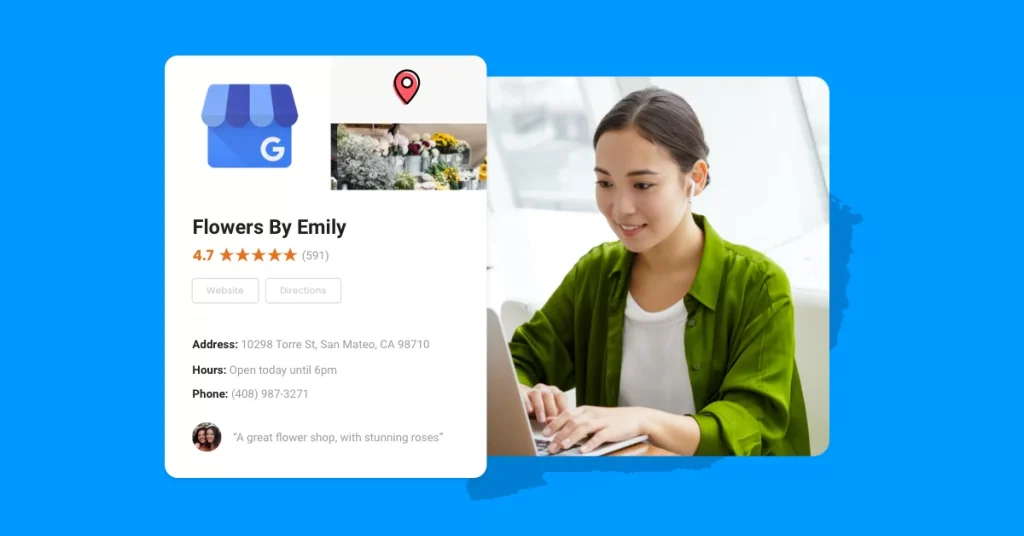
In today’s world, your Google Business Profile (GBP) is your digital storefront. It’s where people decide whether to call you, visit you, or move on.
Whether you’re running a restaurant, clinic, detailing service, or spa, your Google Business Profile determines how visible — and credible — your business looks online.
Let’s break down exactly why every small business needs a Google Business Profile, how it boosts your local SEO, and the steps to make yours stand out.
1. What Is a Google Business Profile (and Why It Matters)
A Google Business Profile (GBP) is a free tool from Google that lets you manage how your business appears on Google Search and Maps.
When optimized correctly, it helps you:
- Appear in local search results (“near me” searches)
- Show your business hours, location, and contact info
- Collect and display reviews
- Post updates, offers, and photos
- Drive calls, website visits, and direction requests
In short, your Google Business Profile bridges the gap between searchers and your storefront.
👉 Fact: According to BrightLocal, 68% of consumers say they use Google Business Profiles to find local businesses weekly — and 86% rely on Google Maps to decide where to go.
2. Visibility: How Google Business Profiles Help You Rank Locally
Here’s the thing: Google favors local results.
When people search for a service, Google tries to deliver the most relevant, nearby, and trustworthy businesses.
Your GBP directly impacts your Local SEO ranking — especially in the “Local Pack” (the top 3 business results that appear under the map).
The key factors that boost your ranking include:
- Relevance: How closely your profile matches the searcher’s intent.
- Distance: How close your business is to the searcher.
- Prominence: How well-known or well-reviewed your business is online.
By optimizing your GBP with accurate information, keywords, and regular posts, you increase your visibility on Google Maps and Search, leading to more customers and calls.
3. Credibility: Reviews Build Trust Instantly
Think of Google Reviews as modern-day word-of-mouth.
When customers see that your business has dozens of positive reviews, they’re more likely to trust you.
In fact, 93% of users say online reviews influence their buying decisions (source: Podium).
Here’s how to use reviews to your advantage:
✅ Ask happy customers to leave reviews right after their visit.
✅ Reply to every review — good or bad — with professionalism.
✅ Add keywords (naturally) when replying to reviews to boost relevance.
👉 Pro tip: A business that consistently responds to reviews is viewed as 1.7x more trustworthy than one that doesn’t.
Your GBP reviews don’t just help your reputation — they help your SEO ranking, too.
4. Engagement: Turn Google Searches Into Real Leads
Google Business Profiles aren’t just for visibility — they’re conversion tools.
From your profile, people can:
- Click “Call”
- Request directions
- Visit your website
- Message you directly
- Book appointments
These actions mean Google Business Profile can generate qualified leads without spending a cent on ads.
Businesses that post weekly updates and photos receive 2x more engagement and 35% more clicks to their website than inactive profiles.
💡 Example:
If you’re a Boise auto detailing company, post before-and-after car photos every week, highlight special offers, and include local keywords like “Boise car detailing” or “Eagle ceramic coating.”
5. Local SEO Powerhouse: The Secret Weapon for Small Businesses
For small businesses competing against big brands, GBP levels the playing field.
Google prioritizes relevant, nearby, and well-optimized businesses — not necessarily the biggest ones.
That means you can outrank large companies if your local SEO is strong.
Here’s what to optimize for maximum local ranking:
- Business name, address, and phone number (NAP consistency)
- Accurate business categories
- High-quality photos and videos
- Keyword-rich business description
- Weekly posts (offers, news, updates)
- Customer review responses
Combine this with on-site SEO (optimized pages and location keywords), and your business will dominate local searches.
6. Insights: Understand Your Customers Better
Google Business Profile gives you access to detailed analytics, including:
- How people found your listing (Search or Maps)
- What keywords they used
- How many called or clicked your website
- What areas your customers come from
These insights help you refine your marketing strategy — and see what’s actually driving results.
For Boise businesses, this means you can identify which nearby areas (like Meridian, Eagle, or Nampa) generate the most engagement — and target them more effectively.
7. Real-World Example: Boise Businesses Winning with GBP
Let’s take a look at a few local examples:
- Freedom Auto Detailing Boise: By optimizing their Google Business Profile with consistent reviews, service photos, and weekly posts, they saw a 73% increase in calls within 60 days.
- Boise Marketing Masters: Consistent profile activity and keyword-rich updates help attract clients searching for “Boise SEO” and “digital marketing services.”
The key takeaway: Active profiles get more visibility, more calls, and more sales.
8. Step-by-Step: How to Optimize Your Google Business Profile
Step 1: Claim or Verify Your Listing
Visit google.com/business and claim your business. Verification ensures Google trusts your listing.
Step 2: Fill Out All Information
Include:
- Business name (exactly as it appears elsewhere)
- Address, phone, and hours
- Category and services
- Website URL
Step 3: Add Photos & Videos
Upload high-quality images of your storefront, staff, and services. Listings with photos get 42% more direction requests and 35% more clicks.
Step 4: Post Weekly Updates
Treat your GBP like a mini social media feed — share offers, announcements, and events regularly.
Step 5: Ask for Reviews
Create a QR code or direct link for customers to leave reviews instantly.
Step 6: Use Keywords Naturally
Include location-based terms in your description and posts, like “Boise dental clinic” or “Meridian spa.”
9. Bonus Tip: Link Your GBP to Your Website
Don’t stop at just optimizing your profile — link it with your website SEO strategy.
Use consistent keywords, NAP info, and schema markup to help Google connect the dots between your site and your profile.
This makes your business more likely to appear in both local map packs and organic results.
10. The Future of Local Search
Local SEO is evolving fast. Voice search, mobile-first indexing, and AI-driven algorithms are changing how customers find businesses.
But one thing remains constant — Google Business Profile is still the foundation of your online visibility.
If you’re not optimizing it, you’re leaving leads and revenue on the table.
Be Visible Where It Matters Most
Your Google Business Profile is more than a free listing — it’s your business’s first impression online.
Whether someone’s searching on their phone or asking Google Assistant, your profile decides whether you get the call — or your competitor does.
For Boise small businesses, it’s not optional.
It’s your most powerful marketing tool.
💡 Ready to optimize your Google Business Profile and dominate Boise local search?
Contact Boise Marketing Masters today — and start turning searchers into paying customers.